Pixel Art
最終更新日 / Updated: 2026-08-24
Can I create Pixel Art for free?
Free pixel AI art generator. Type a few words or upload a photo — SUPPART turns it into crisp 8-bit and 16-bit pixel art in about 10 seconds.
About 10s · 150+ styles · free. 1.3M+ artworks and 5,000+ events listed to date across Japan. iOS, Android & web.
- ~10stypical gen
- 150+styles
- 1.3M+artworks
- 4.2★rating
- 5,000+events
Pixel Art — AI artworks by SUPPART users
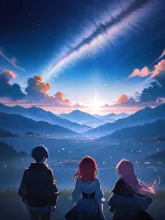
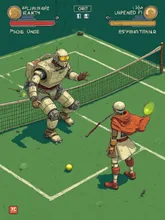
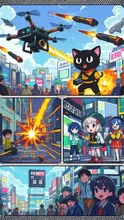
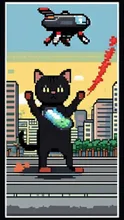
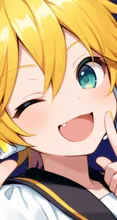
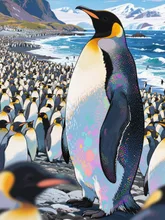
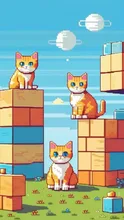
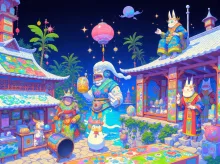
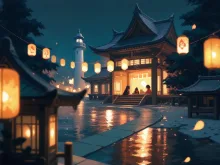
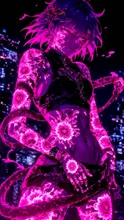
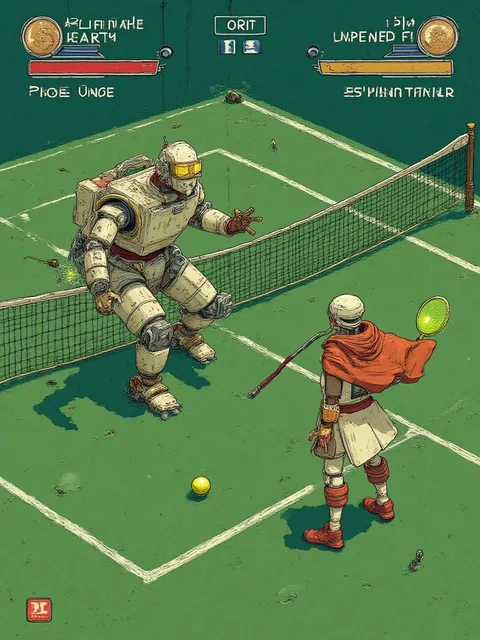
What the pixel art style looks like
The Pixel Art style renders your subject with the crisp edges and limited palettes of retro 8-bit and 16-bit games, rather than smooth shading. It suits characters, items and small scenes, and reads well at the small sizes used for icons and avatars.
Examples from the community
The artworks below were made in this style by SUPPART users. Browsing them is the fastest way to judge how the style handles different subjects — characters, animals, food, landscapes — before you make your own.
How it differs from the other retro-leaning styles
Pixel Art keeps the visible grid look of old game graphics. Line Art gives clean outlines with little shading, and Cartoon uses bold outlines with flat colour. All three are part of the 150+ styles in SUPPART, so you can run the same prompt through each and compare.
Make your own in about 10 seconds
Choose the Pixel Art style, type a short description or upload a photo, and the illustration is generated in roughly 10 seconds on iOS, Android or the browser. It is free to start, and the generator page explains the workflow and prompt tips in more detail.